
Go to System > Case Customisation > Case Status Settings

This opens the Matter Categories screen
Select the categories you want to update the status for from the Update Status list for Category dropdown.
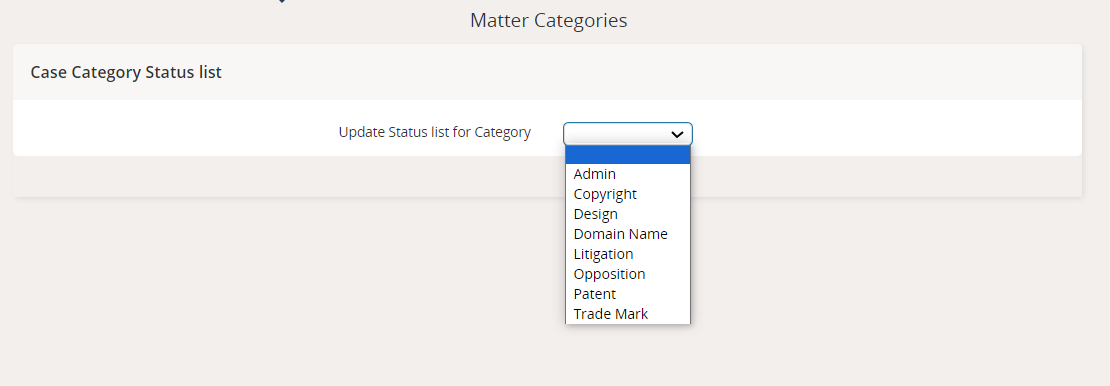
You can choose from these categories:Admin
Copyright
Design
Domain Name
Litigation
Opposition
Patent
Trade Mark
In this case we want to update the status list for trade marks, so we'll select 'Trade Mark' from the dropdown.
This opens a list where you can tick boxes next to different open ([L]) or closed ([C]) status settings to apply them to this case category.
Click the Save button to save your updated settings
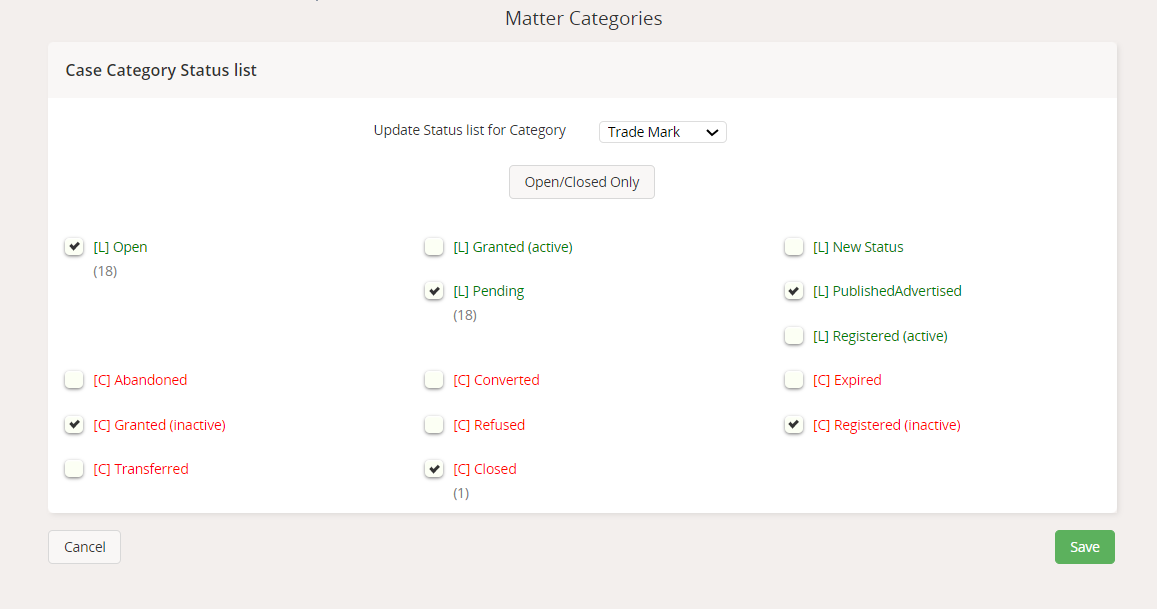
Now you'll see the updated settings when you go to view your case status settings
Configure Case Status Settings
Did you find it helpful? Yes No
Send feedbackSorry we couldn't be helpful. Help us improve this article with your feedback.